TL;DR
PostgreSQL index performance tuning follows a repeatable loop: find the worst queries with pg_stat_statements, read their plans with EXPLAIN (ANALYZE, BUFFERS), match index type and column order to the actual predicates, and keep statistics and bloat under control. Most wins come from a handful of patterns — composite column order, partial indexes, covering indexes, and dropping what you never use.
PostgreSQL indexes are the single highest-leverage tool you have for query performance — and the easiest thing to get subtly wrong. A table can have the "right" index on paper and still be ignored by the query planner, or carry dozens of indexes that nobody's queries ever touch while slowing every write. PostgreSQL index performance tuning is the discipline of making sure the indexes you have match the queries you actually run, and that the planner can see that match.
This guide walks through diagnosis, index type selection, advanced indexing strategies, and maintenance — the workflow we use when a slow query lands on our desk.
Diagnosing Index Problems with EXPLAIN ANALYZE
Never create an index based on intuition. Start with evidence.
Finding the worst offenders
Enable the pg_stat_statements extension and rank queries by total execution time:
SELECT query, calls, mean_exec_time, total_exec_time
FROM pg_stat_statements
ORDER BY total_exec_time DESC
LIMIT 10;
A query called once a day that takes two seconds matters less than a query called 50,000 times a day that takes 40ms. Optimize for total time, not mean time.

The index diagnostic workflow: from slow query to verified fix
Reading the plan
For a specific query, run:
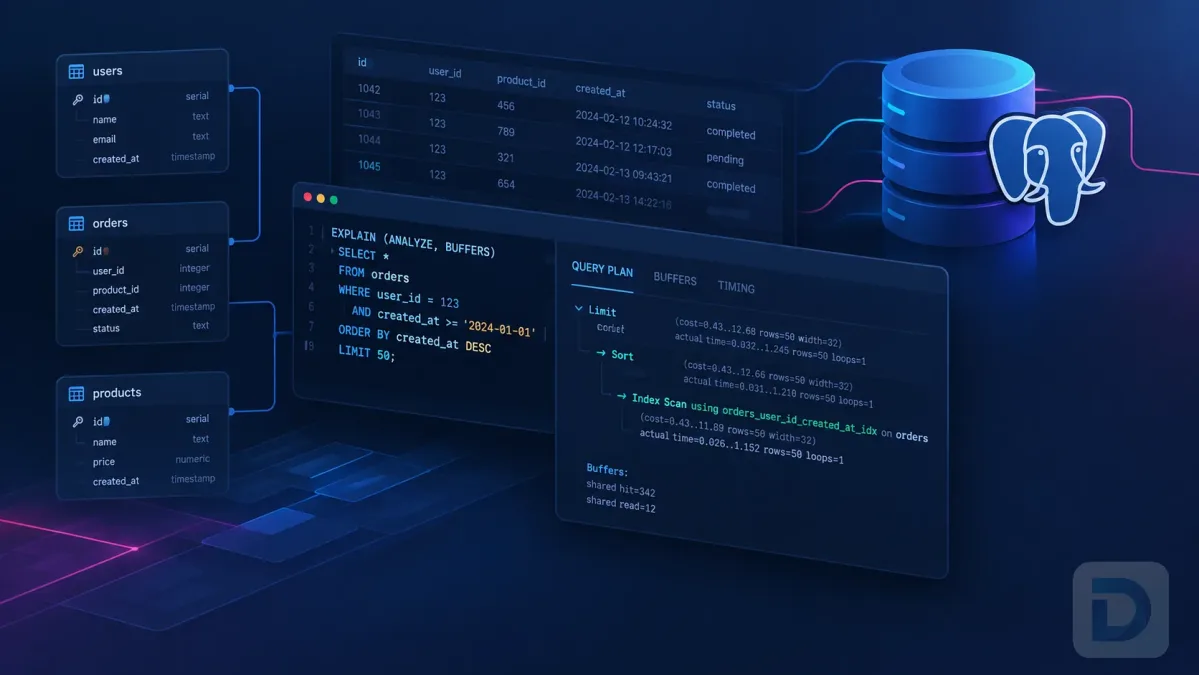
EXPLAIN (ANALYZE, BUFFERS) SELECT * FROM orders WHERE customer_id = 42;
ANALYZE actually executes the query and reports real timings; BUFFERS shows how many pages were read from cache versus disk. The plan nodes tell the story:
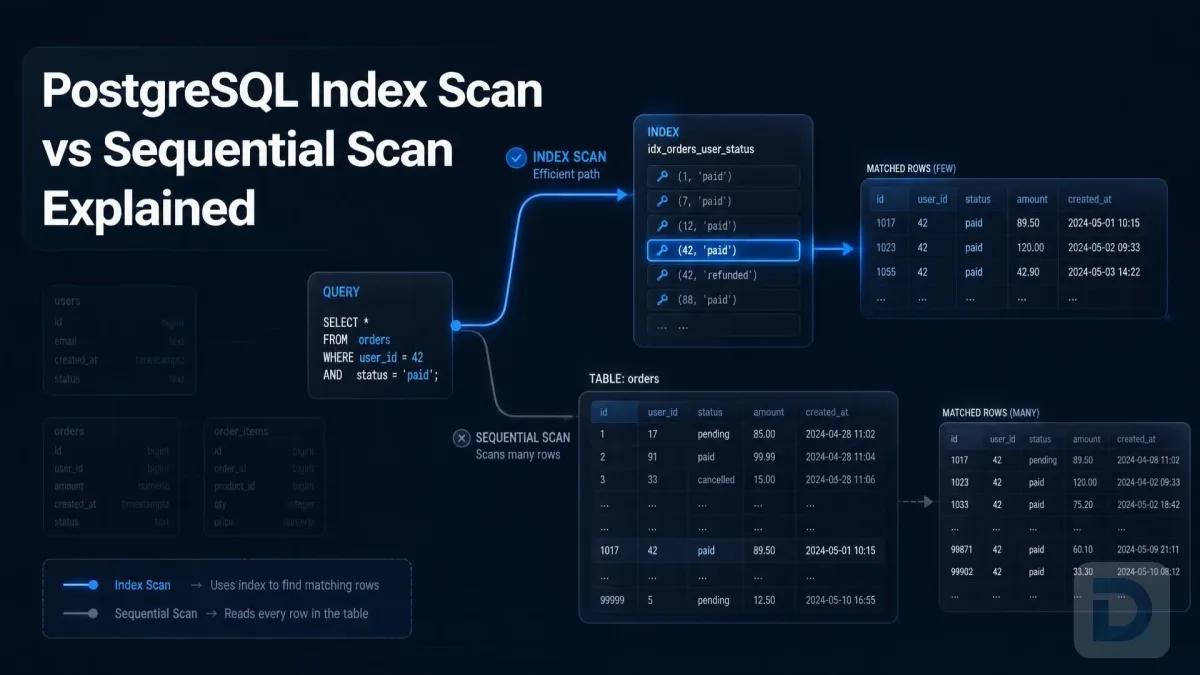
- Seq Scan — reads the entire table. Fine for small tables or queries that return most rows; a red flag on a large table with a selective predicate.
- Index Scan — walks a B-tree and fetches matching rows from the heap. Good for selective queries returning few rows.
- Bitmap Heap Scan — the index builds a bitmap of matching pages first, then fetches them in physical order. Common when the query matches a moderate fraction of the table, or when combining multiple indexes.
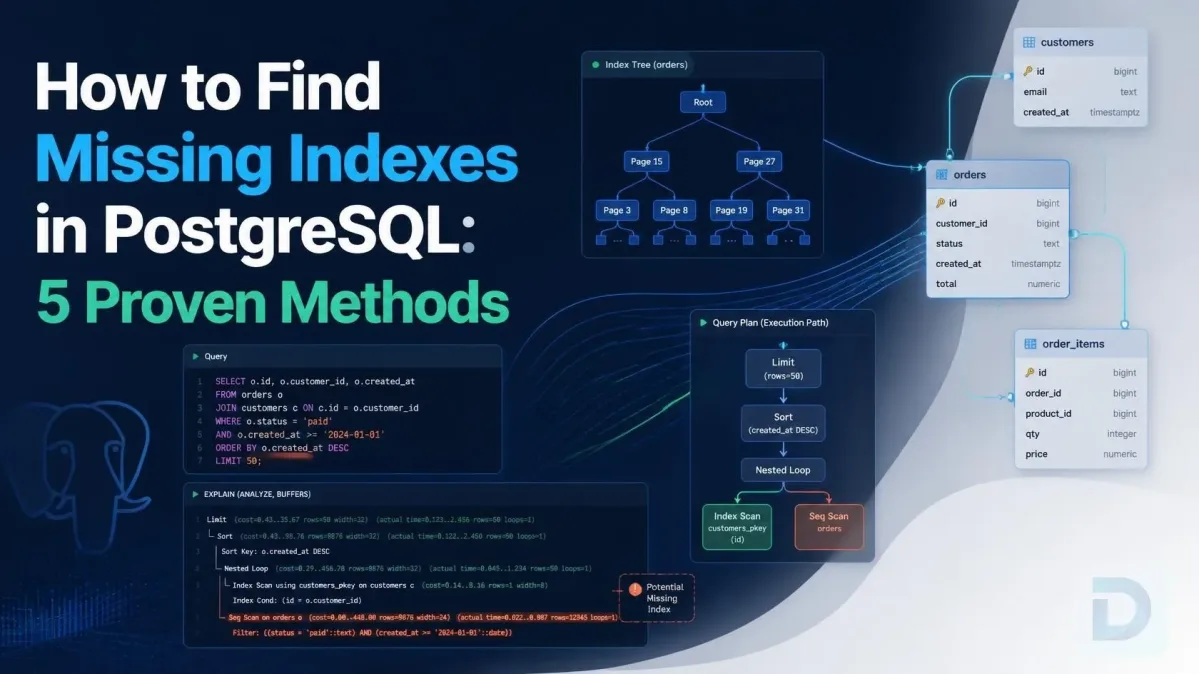
Also look at Rows Removed by Filter. If the plan scans 1,000,000 rows via an index but removes 990,000 with a filter, your index found the rows but couldn't actually select them — a sign you need a better or extended index.
One caution: EXPLAIN ANALYZE executes the statement for real. For UPDATE, DELETE, or INSERT, wrap it in a transaction and roll back.
Choosing the Right Index Type for the Job
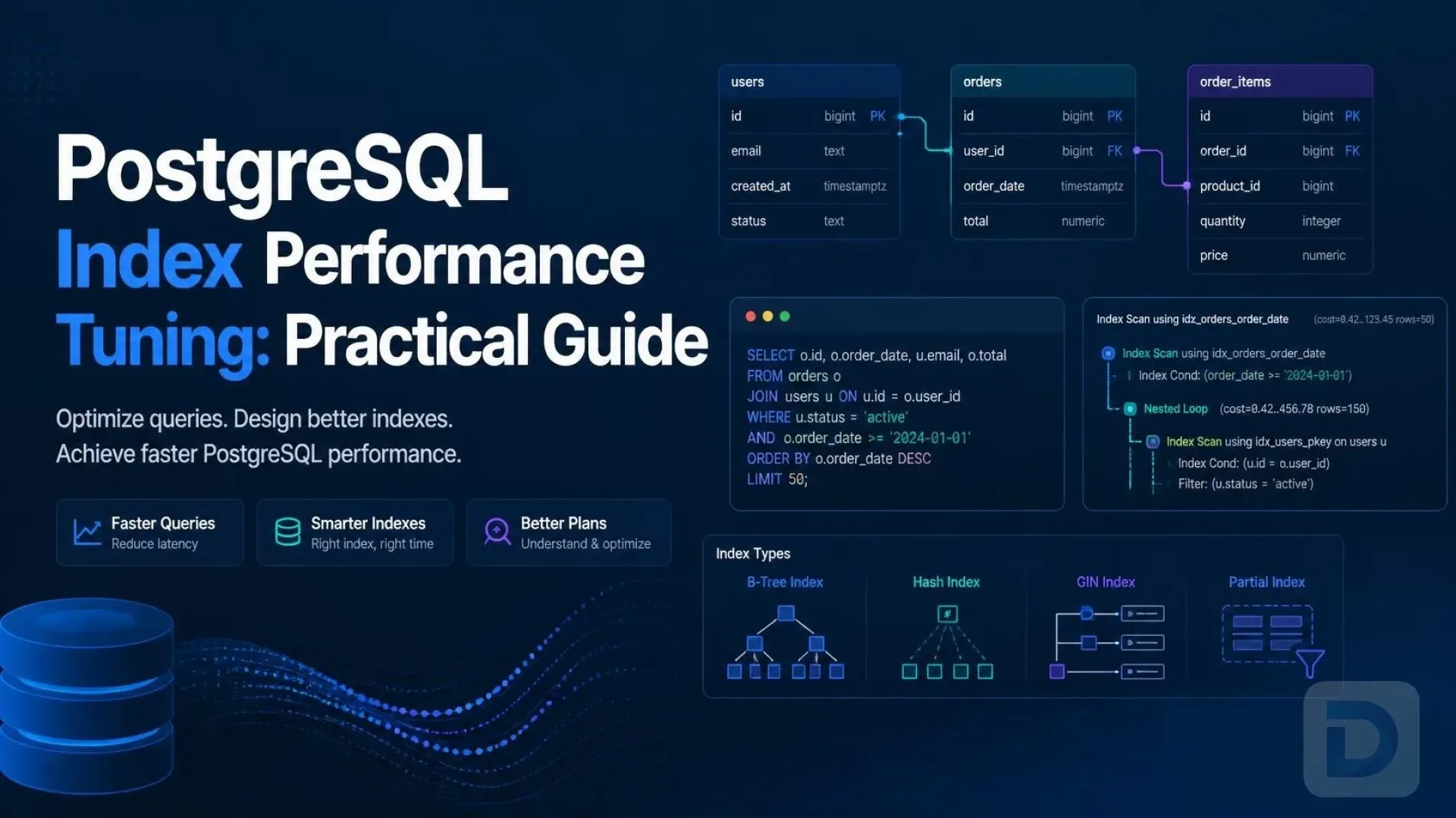
PostgreSQL offers several index access methods, and the default B-tree is not always the right answer. The index types documentation covers the details; here is the practical summary.
| Index type | Best for | Typical operators | Write overhead |
|---|---|---|---|
| B-tree | Equality and range on scalars, ORDER BY, uniqueness | =, <, >, BETWEEN, LIKE 'abc%' | Low |
| GIN | JSONB containment, arrays, full-text search | @>, ?, @@ | Higher |
| GiST | Range types, geospatial (PostGIS), K-nearest-neighbor | &&, <-> | Medium |
| SP-GiST | Partitioned data: quad-trees, radix trees, text | Varies by opclass | Medium |
| BRIN | Very large, naturally ordered (append-only) tables | Range on min/max blocks | Very low |
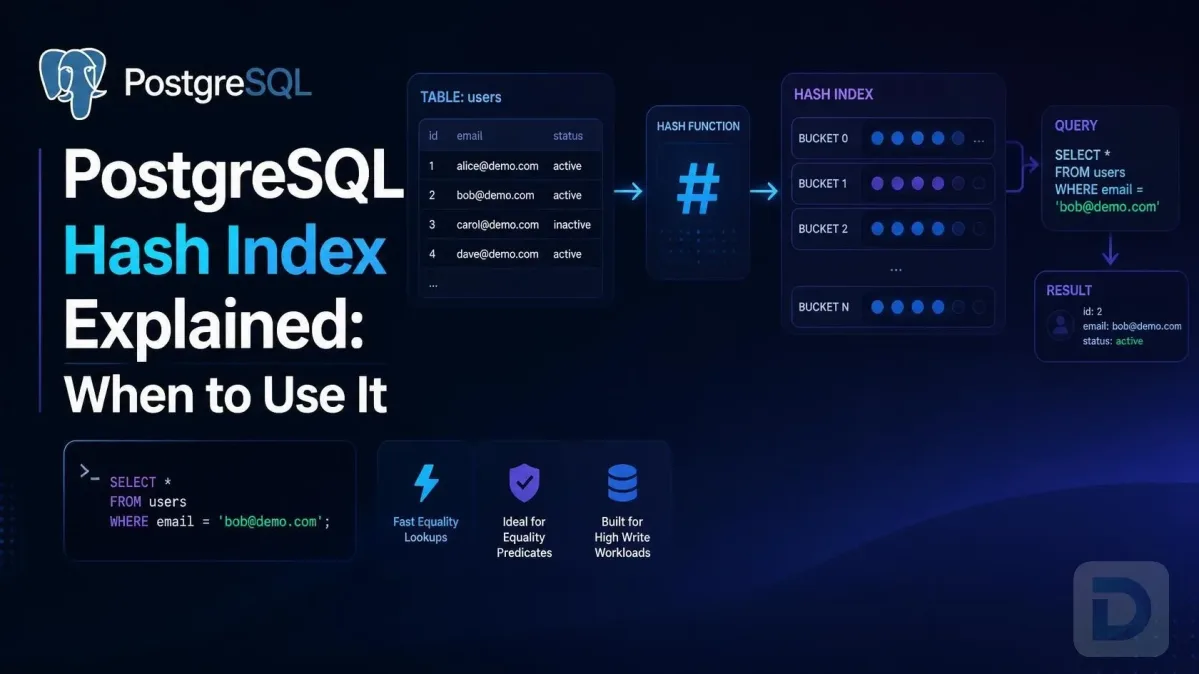
| Hash | Simple equality when B-tree isn't needed | = | Low |

PostgreSQL index types at a glance
B-tree: the default workhorse
Use it for IDs, timestamps, foreign keys, and any scalar column filtered by equality or range. If you're unsure, B-tree is the safe default — but verify it's actually being used.
GIN for JSONB, arrays, and full-text search
Queries like WHERE data @> '{"status": "active"}' or WHERE tags && ARRAY['urgent'] cannot use a B-tree. A GIN index makes containment and overlap checks dramatically faster. The trade-off: GIN indexes are larger and slower to update, so avoid them on high-write columns where you don't need them.
GiST for ranges and geospatial data
If you filter with && on tstzrange, daterange, or geometry types, GiST (or SP-GiST for suitable data distributions) is the right tool. B-tree cannot serve overlapping-range predicates.
BRIN for large append-only tables
BRIN stores per-block min/max summaries. If a huge table (think logs, events, time-series) is physically ordered by a timestamp, a tiny BRIN index can prune most of the table at a fraction of the size of a B-tree. It only helps when physical row order correlates with the indexed column.
Advanced Indexing Strategies
Once the basics are right, these four patterns solve most remaining tuning problems.
Composite index column order
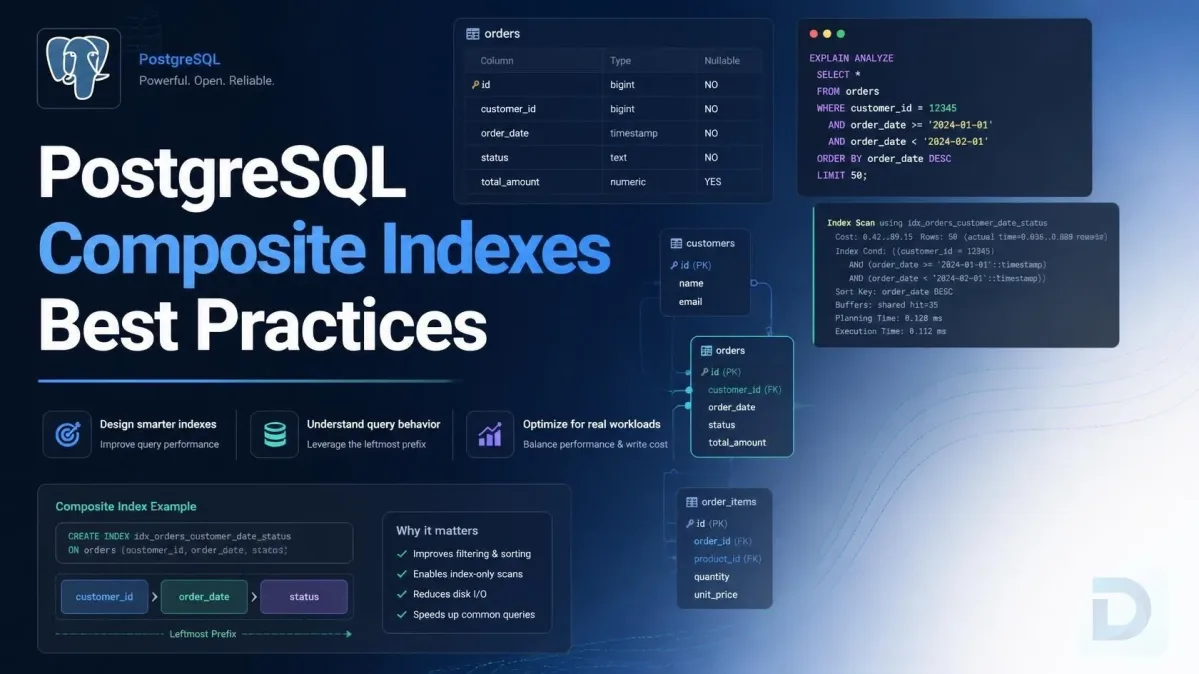
For a multi-column B-tree, order matters. The rule of thumb: equality predicates first, range predicates last.
-- Query: WHERE tenant_id = $1 AND created_at > $2
CREATE INDEX ON orders (tenant_id, created_at);
The index can seek directly to tenant_id = 42 and then scan the created_at range within it. Reverse the order and the range condition on the first column prevents efficient use of the second. A composite B-tree can also serve queries on its leading column(s) alone, which is why (tenant_id, created_at) covers WHERE tenant_id = ? too.
Partial indexes for hot subsets
If 95% of queries filter on the same condition, index only that subset:
CREATE INDEX pending_orders_idx ON orders (created_at)
WHERE status = 'pending';
A partial index is smaller, faster to scan, and cheaper to maintain than a full index — often dramatically so on status-flag tables where one value dominates.
Covering indexes and index-only scans
If a query only needs a few columns, a covering index lets PostgreSQL answer it entirely from the index without touching the heap (an index-only scan):
CREATE INDEX ON orders (customer_id) INCLUDE (total_amount);
For an index-only scan to trigger, the table's visibility map must mark pages as all-visible — which depends on regular vacuuming. If you see Heap Fetches high in your plan despite an index-only scan, vacuum is behind.
Expression indexes
The planner won't use a plain index when the predicate wraps the column in a function or cast. Index the expression itself:
CREATE INDEX users_email_lower_idx ON users (lower(email));
-- Now this can use it:
SELECT * FROM users WHERE lower(email) = '[email protected]';
fillfactor and HOT updates
Non-updated columns aside, every UPDATE in PostgreSQL writes a new row version and updates every index that references the row. A lower fillfactor on a hot, frequently updated table leaves free space in pages, enabling HOT (Heap-Only Tuples) updates — updates that skip index maintenance entirely when no indexed column changed. You can check your HOT update ratio in pg_stat_user_tables (n_tup_hot_upd vs n_tup_upd).
Maintenance: Bloat, Statistics, and Unused Indexes
Indexes degrade over time. Tuning isn't a one-time event.
Keep planner statistics fresh
The query planner chooses between a sequential scan and an index scan using cost estimates derived from statistics collected by ANALYZE. Stale statistics mean bad estimates, which mean bad plan choices. Autovacuum handles this by default, but after bulk loads or major data changes, run ANALYZE your_table; explicitly.
Detect bloat and rebuild safely
Heavy update and delete churn causes index bloat — dead entries inflating index size and scan cost. The pgstattuple extension reports bloat precisely. The safe fix is:
REINDEX INDEX CONCURRENTLY orders_customer_id_idx;
CONCURRENTLY rebuilds without taking an exclusive lock that blocks reads and writes — critical in production. Plain REINDEX locks the table.
Find unused and duplicate indexes
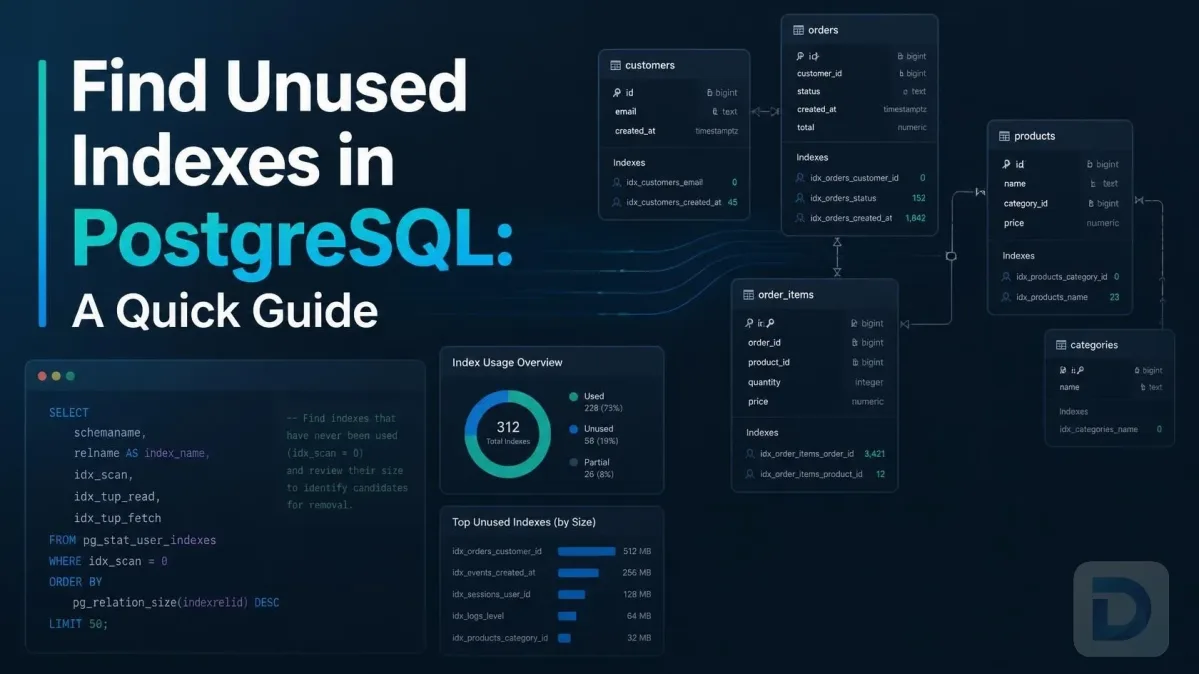
Every index costs write performance and disk. Find the ones nobody uses (after a representative monitoring window — weeks, not hours):
SELECT relname AS table, indexrelname AS index,
       idx_scan, pg_size_pretty(pg_relation_size(indexrelid)) AS size
FROM pg_stat_user_indexes
JOIN pg_index ON pg_index.indexrelid = pg_stat_user_indexes.indexrelid
WHERE idx_scan = 0 AND NOT indisunique AND NOT indisprimary
ORDER BY pg_relation_size(indexrelid) DESC;
Query pg_stat_user_indexes on production after a full business cycle before dropping anything — a quarterly reporting query will show zero scans for weeks. Also watch for duplicate indexes where one is a leading-column prefix of another; the narrower one is usually redundant.
Common Index Tuning Mistakes to Avoid
- Over-indexing. Every index adds write amplification to every
INSERT,UPDATE, andDELETE. Index for the queries you run, not the queries you might run someday. - Wrapping indexed columns in functions.
WHERE created_at::date = '2024-01-01'cannot use a plain B-tree oncreated_at. Rewrite as a range predicate, or build an expression index. - Ignoring row estimates. If
EXPLAINestimates 10 rows andANALYZEshows 100,000, the planner is flying blind. RunANALYZE, and if estimates stay skewed, look into extended statistics for correlated columns. - Testing on tiny datasets. On a 500-row dev table, the planner correctly prefers a sequential scan and your index looks useless. Test with production-like volume — even if the numbers aren't identical, the plan shape should be.
- Blindly adding indexes for every slow query. Sometimes the real fix is rewriting the query, batch size, or workload. An index is one tool, not the answer by default.
FAQ
Run EXPLAIN (ANALYZE, BUFFERS) your_query; and look for Index Scan, Index Only Scan, or Bitmap Index Scan nodes referencing your index. If you see Seq Scan with high Rows Removed by Filter on a large table, the index isn't being used.
Common reasons: the query matches too large a fraction of the table (a seq scan is genuinely cheaper), stale statistics caused bad cost estimates, the predicate wraps the column in a function or implicit cast, wrong index type for the operator, or the table is simply too small for an index to pay off.
GIN. It supports containment (@>), key-exists (?), and full-text operators on JSONB. For jsonb_path_ops-style queries with @> only, the jsonb_path_ops GIN opclass gives a smaller index than the default.
There's no fixed schedule. Rebuild when monitoring shows meaningful bloat or degraded performance — typically on high-churn tables. Use REINDEX ... CONCURRENTLY in production to avoid locking. Regular vacuuming reduces how often this is necessary.
Yes. Every index on a table must be updated on every insert and on updates that modify indexed columns (unless the update qualifies as HOT). More indexes means slower writes and more vacuum work — another reason to drop unused indexes.
A partial index restricts which rows are indexed (WHERE status = 'pending'), making it smaller and faster for queries matching that condition. A covering index adds extra columns (INCLUDE (...)) so queries can be answered from the index alone. They solve different problems and can be combined.
Query pg_stat_user_indexes for indexes with idx_scan = 0, excluding unique and primary key indexes, over a monitoring window covering your full workload cycle. Confirm across a representative period before dropping — and re-check after deployment of new features that may introduce new query patterns.
Key Takeaways
- Measure first:
pg_stat_statementsranks your worst queries;EXPLAIN (ANALYZE, BUFFERS)shows why they're slow. - Match index type to operator: B-tree for scalars, GIN for JSONB/arrays, GiST for ranges and geospatial, BRIN for ordered append-only giants.
- Order composite columns equality-first, range-last; use partial and covering indexes for hot subsets and index-only scans.
- Maintain: fresh statistics via
ANALYZE, bloat checks withpgstattuple, andREINDEX CONCURRENTLYwhen needed. - Prune: unused indexes are pure write overhead — find them with
pg_stat_user_indexesand drop them.
Conclusion: Build an Index Tuning Workflow
PostgreSQL index performance tuning isn't a one-off fix; it's a loop: measure, change, verify. Find the expensive query, read its plan, make one targeted change, re-run the plan, and confirm the cost dropped. Repeat. Combined with regular maintenance — fresh statistics, bloat checks, and pruning unused indexes — this loop keeps query performance predictable as your data grows.
When you're inspecting query plans and index definitions across several databases or engines, a good GUI removes the friction. DBO Studio gives you a cross-platform view of your schemas, indexes, and execution plans in one place, and it's actively improved — see what's new in the release notes. If you want to go deeper on general query work, our guide to PostgreSQL query optimization picks up where indexes leave off.
References: PostgreSQL Indexes, Index Types, EXPLAIN, pg_stat_statements, REINDEX, Routine Vacuuming
About the author

Founder & Lead Developer at DBO Studio
Full-stack developer and creator of DBO Studio, a modern database management tool. Passionate about PostgreSQL, MySQL, SQLite, database performance, developer productivity, and building tools that simplify database workflows.
Try this in DBO Studio
Explore PostgreSQL workflows visually in DBO Studio — schemas, queries, and plans in one place.
Our newsletter
Subscribe to DBO Studio’s newsletter for exclusive tutorials, tips & product updatesRelated posts