TL;DR
A multicolumn index is only as good as its column order. For PostgreSQL composite indexes, best practices dictate ordering columns by equality first, then range, then sort. Always validate usage with EXPLAIN ANALYZE to avoid write amplification and index bloat.
Applying PostgreSQL composite indexes best practices is one of the most effective ways to improve database query performance. For DBAs, DevOps engineers, and backend developers, knowing exactly when to use composite indexes PostgreSQL—and how to structure them—can mean the difference between a responsive application and a sluggish database under load. In this guide, we will explore PostgreSQL multicolumn indexes, column ordering, and advanced techniques like covering indexes.
What Are Composite (Multicolumn) Indexes in PostgreSQL?
A composite index (or multicolumn index) is an index defined on more than one column of a table. Instead of creating separate indexes for each column, you combine them into a single, ordered data structure.
Supported Index Types: B-tree, GiST, GIN, BRIN
While the default B-tree multicolumn index is the most common, PostgreSQL supports multicolumn indexes for GiST, GIN, and BRIN index types. However, the behavior of multicolumn indexes varies significantly depending on the index type. For B-trees, the entries are sorted by the first column, then by the second, and so on. For GIN, the support is limited to certain operator classes and cannot be used for unique constraints.
Syntax and Basic CREATE INDEX Examples
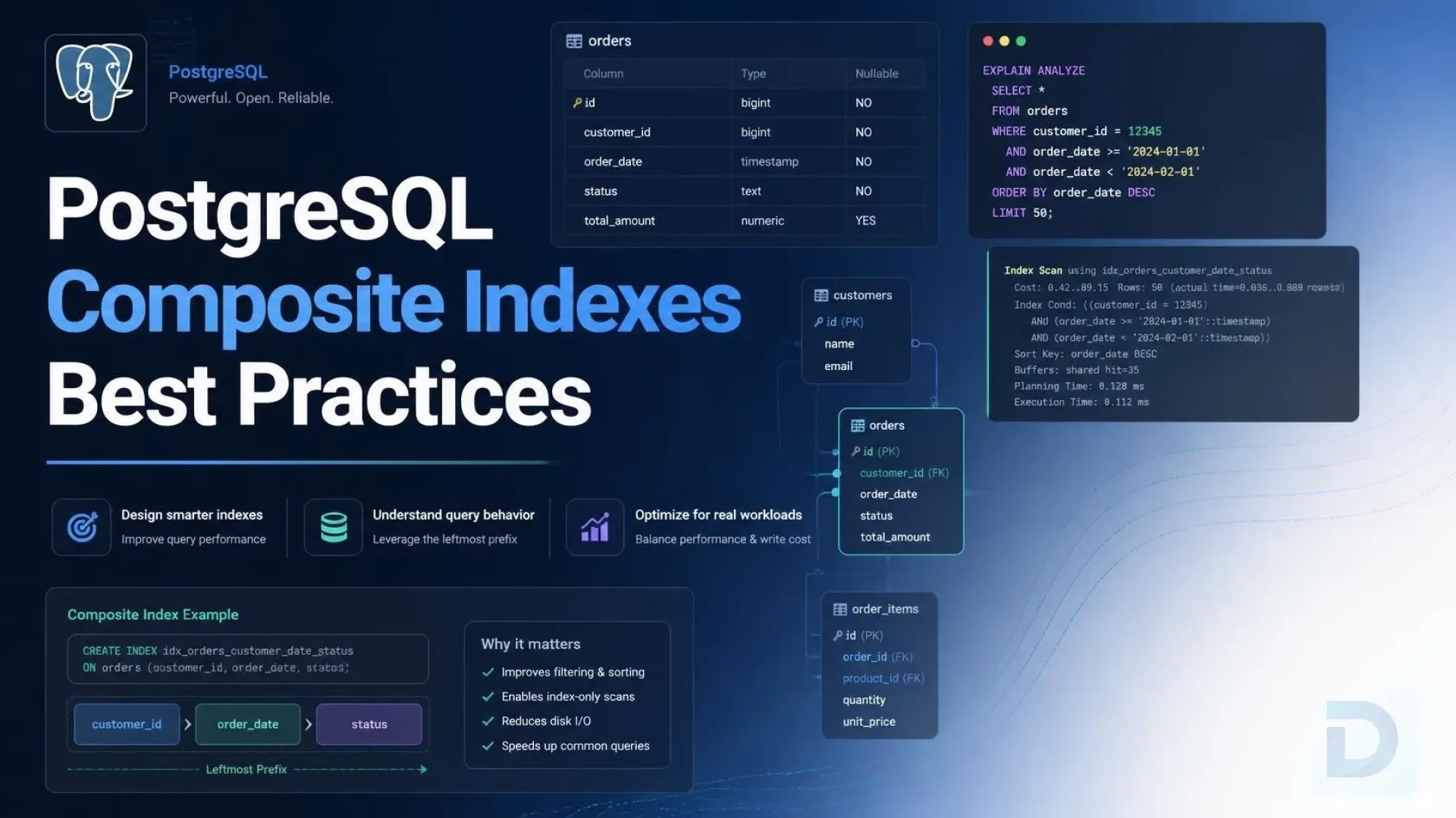
You can use the CREATE INDEX multicolumn PostgreSQL syntax to define these indexes. Here is a basic example:
CREATE INDEX idx_orders_user_status
ON orders (user_id, status);
How the B-tree Stores Multiple Columns
In a B-tree multicolumn index, the database treats the concatenated values of the indexed columns as a single composite key for sorting purposes. This means the index is sorted primarily by the first column; within identical values of the first column, it is sorted by the second, and so forth. This fundamental mechanic is the basis of the leftmost prefix rule.
The Critical Rule: Column Order and the Leftmost Prefix

The leftmost prefix rule: seeking on a trailing column bypasses the index, forcing a sequential scan.
The most critical aspect of PostgreSQL index design best practices is understanding the PostgreSQL leftmost prefix rule. Because a B-tree sorts data hierarchically by the indexed columns, a query can only utilize the index if it constrains the leading (leftmost) column.
Equality Columns First, Then Range, Then Sort
The golden rule for composite index column order PostgreSQL is:
- Equality (
=) - Range (
<,>,BETWEEN) - Sort/
ORDER BY
If you place a range condition before an equality condition, the query planner index scan cannot efficiently narrow down the subsequent equality column, resulting in a broader scan and suboptimal performance.
Which Query Patterns a Composite Index Can (and Cannot) Serve
An index on (col_a, col_b, col_c) optimizes:
WHERE col_a = 1WHERE col_a = 1 AND col_b = 2WHERE col_a = 1 AND col_b = 2 AND col_c = 3
It cannot optimize (without special workarounds):
WHERE col_b = 2WHERE col_c = 3
This is known as the leading column constraint.
Skip Scan Behavior and its Limitations
Unlike some other RDBMS engines, PostgreSQL does not currently support native skip scan optimization. A skip scan allows an index to be used even if the leading column is not constrained by skipping over duplicate leading keys. Because Postgres lacks this, strictly adhering to the leftmost prefix rule is paramount.
Composite Indexes vs Multiple Single-Column Indexes

Composite vs. Single-Column Indexes: Trade-offs in storage, writes, and query coverage.
When evaluating composite vs single column indexes Postgres, the decision hinges on your specific query patterns and write workload.
When a Single Multicolumn Index Wins
A single multicolumn index is superior when you frequently query a specific subset of columns together. It provides direct, sorted access and can support an index-only scan if all requested columns are present in the index. It requires less storage than maintaining multiple independent indexes.
When Separate Indexes Plus BitmapAnd Are Better
If your application has highly dynamic query generators where users might filter by Column A, or Column B, or Column C independently, separate single-column indexes are better. The PostgreSQL query planner can combine these separate indexes using a BitmapAnd index combination (or BitmapOr) to filter rows.
Trade-offs in Write Overhead, Storage, and Maintenance
Every index adds write amplification from indexes. On INSERT or UPDATE, the database must update every relevant index. A composite index on heavily updated tables can degrade write performance. Furthermore, maintaining index bloat maintenance routines becomes critical when multiple large indexes exist.
Advanced Patterns and Best Practices
Using INCLUDE for Covering (Index-Only) Scans
In PostgreSQL covering indexes INCLUDE, you can add non-key columns to an index using the INCLUDE clause. These columns are stored in the index payload but are not part of the sorted B-tree key. This allows for index-only scans without bloating the tree structure or affecting write performance as heavily.
CREATE INDEX idx_users_status
ON users (status)
INCLUDE (email, created_at);
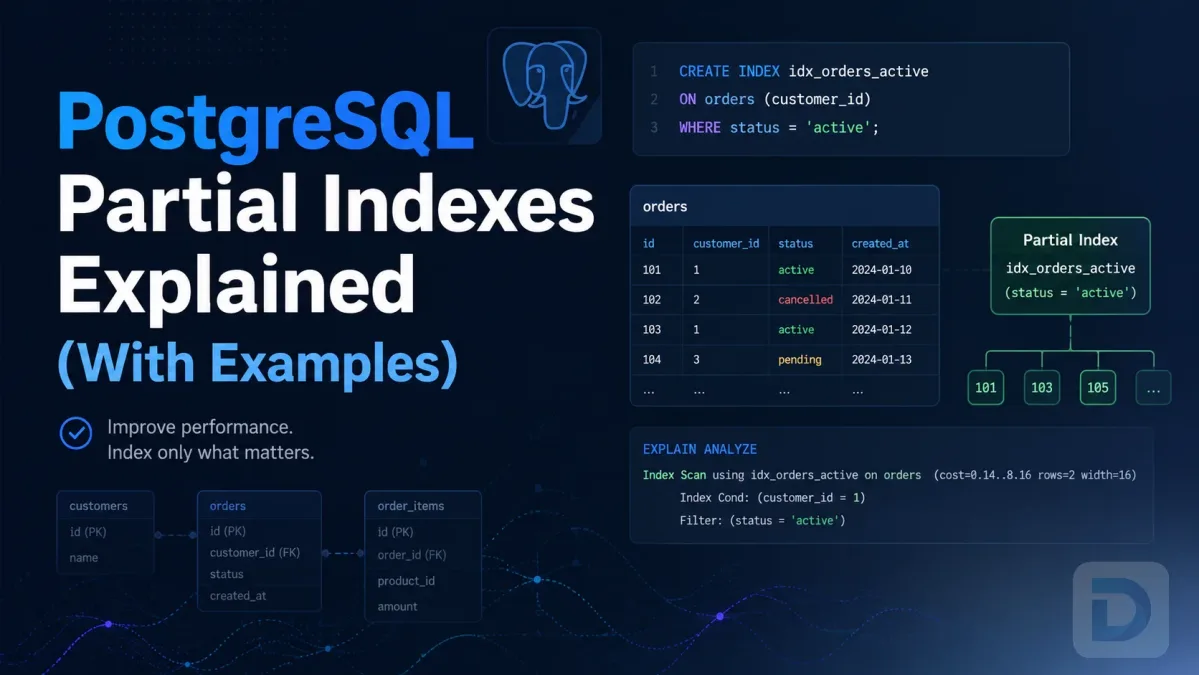
Partial Composite Indexes for Common Filters
If you frequently query a specific subset of data, such as all active users, use partial composite indexes. This keeps the index small and fast.
CREATE INDEX idx_active_users_email
ON users (email)
WHERE status = 'active';
Combining Uniqueness Constraints with Multicolumn Indexes
You can enforce business logic using unique composite indexes. This ensures a combination of columns remains unique across the table.
CREATE UNIQUE INDEX idx_unique_user_order
ON orders (user_id, order_number);
How Many Columns is Too Many?
PostgreSQL has a 32 column limit PostgreSQL for a single index. However, practically, indexes with more than 3 or 4 columns become difficult to maintain and rarely justify their overhead. Evaluate index selectivity—if a column does not significantly narrow down the result set, it may not belong in the index.
How to Validate and Maintain Composite Indexes
Using EXPLAIN (ANALYZE, BUFFERS) to Confirm Usage
Never assume an index is being used. Always validate with EXPLAIN (ANALYZE, BUFFERS). Look for an Index Scan or Index Only Scan. If you see a Seq Scan (Sequential Scan), your index is either not being used or is not optimal for the query.
Monitoring with pg_stat_user_indexes
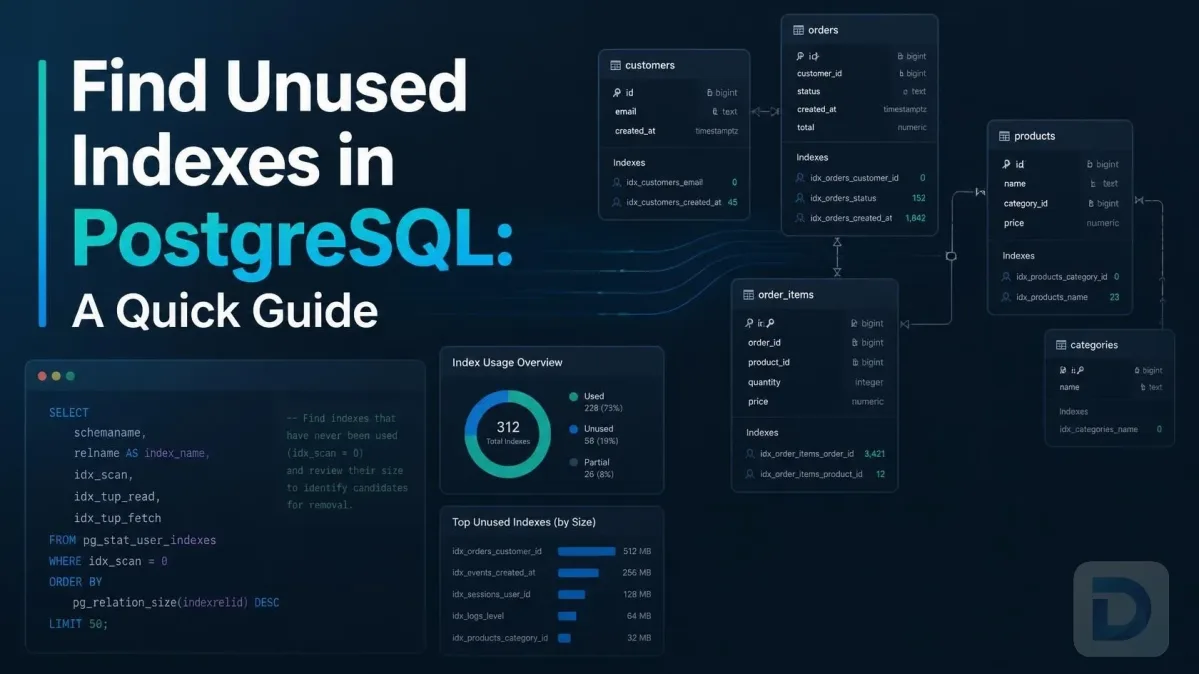
To identify unused indexes over time, query pg_stat_user_indexes. Look at the idx_scan column; if it is 0, the index is a candidate for deletion.
Avoiding Bloat and Unnecessary Indexes
Regularly monitor index bloat. In production, always use CREATE INDEX CONCURRENTLY to avoid locking the table during index creation. Be mindful of tablespace and concurrent index creation constraints—concurrent creation takes longer and cannot be run inside a transaction block.
FAQ
The maximum number of columns allowed in a single PostgreSQL index is 32.
Yes. Due to the leftmost prefix rule, the order of columns is critical. You should order columns by equality, then range, then sort.
No, not natively. PostgreSQL does not currently support skip scans, so an index on (a, b) cannot be used if only b is queried, because b is not the leading column.
Use the INCLUDE clause when you want to support an index-only scan but the additional columns are not used for filtering (WHERE) or sorting (ORDER BY). It saves storage and write overhead.
Yes, but with limitations. B-tree, GiST, GIN, and BRIN support multicolumn indexes, but GIN and GiST behave differently and cannot be used for unique composite indexes.
If you always query Column A and Column B together, use a multicolumn index. If you query them independently or in varying combinations, use two single-column indexes and let the query planner use a BitmapAnd combination.
Yes. Every index adds write amplification. The database must update the B-tree for every INSERT and UPDATE that modifies the indexed columns.
Yes, you can use CREATE UNIQUE INDEX CONCURRENTLY ..., but it cannot be executed inside a transaction block.
Conclusion
Key Takeaways for Production Schemas
- Adhere to the leftmost prefix rule: Equality, Range, Sort.
- Use
INCLUDEfor covering indexes to enable index-only scans without write penalty. - Monitor index usage with
pg_stat_user_indexesto remove unused indexes. - Always use
EXPLAIN (ANALYZE)to validate query planner behavior.
Next Steps with DBO Studio
Optimizing database performance is an ongoing task. To streamline your database management, download DBO Studio today or check out our latest releases for new features that make PostgreSQL tuning easier. Download DBO Studio to take control of your database infrastructure.
About the author

Founder & Lead Developer at DBO Studio
Full-stack developer and creator of DBO Studio, a modern database management tool. Passionate about PostgreSQL, MySQL, SQLite, database performance, developer productivity, and building tools that simplify database workflows.
Try this in DBO Studio
Explore PostgreSQL workflows visually in DBO Studio — schemas, queries, and plans in one place.
Our newsletter
Subscribe to DBO Studio’s newsletter for exclusive tutorials, tips & product updatesRelated posts