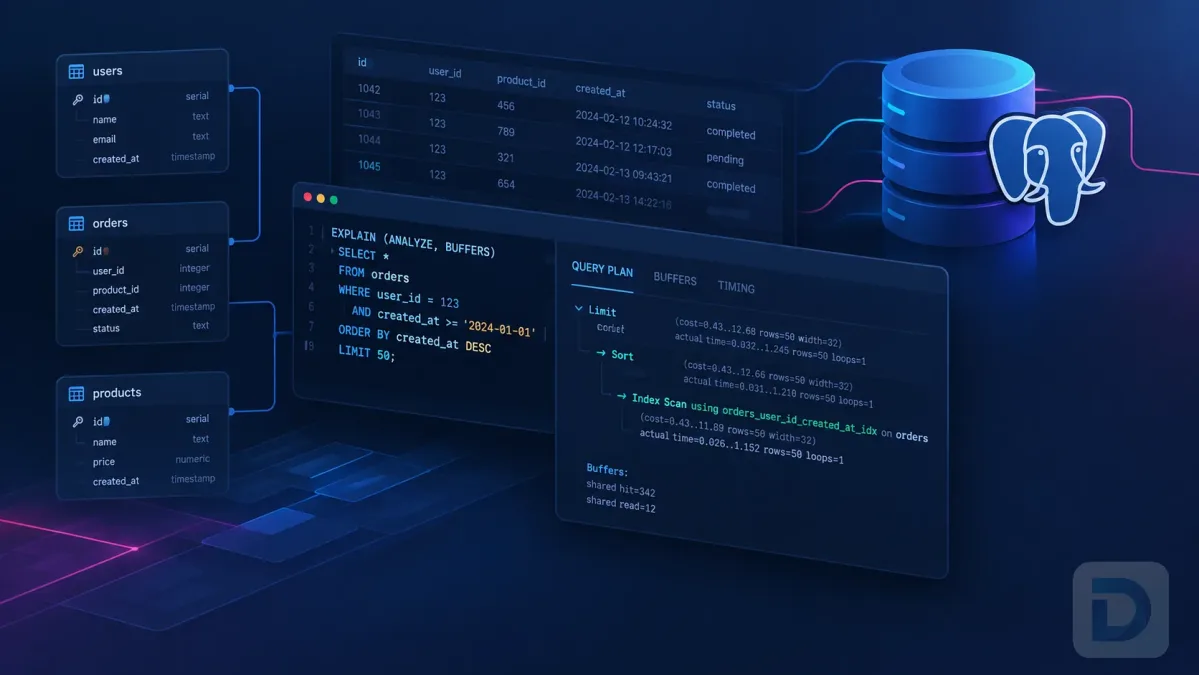
TL;DR
EXPLAIN shows what PostgreSQL expects to do. EXPLAIN ANALYZE executes the statement and adds actual rows, timing, loops, and runtime evidence. Compare estimates with reality, account for repeated nodes, and inspect buffer activity when diagnosing slow queries.
Introduction
PostgreSQL EXPLAIN ANALYZE is one of the most useful tools for diagnosing slow queries because it combines planner estimates with measurements from a real execution. Instead of seeing only what PostgreSQL expects to do, you can compare the chosen plan with what actually happened against your data.
If execution plans are new to you, start with Understanding PostgreSQL EXPLAIN. Use plain EXPLAIN to inspect a proposed plan without executing the statement; use EXPLAIN ANALYZE when you need runtime evidence and it is safe to run it.
What PostgreSQL EXPLAIN ANALYZE Does
Plain EXPLAIN shows the planned execution tree, including estimated startup cost, total cost, rows, and row width. EXPLAIN ANALYZE executes the statement and adds observed values such as actual time, actual rows, and loops.
A simple PostgreSQL EXPLAIN ANALYZE example is:
sql EXPLAIN ANALYZE SELECT id, email FROM users WHERE email = '[email protected]';
The timings below are illustrative only. Real values depend on hardware, data, cache state, configuration, workload, and the selected plan.
text Index Scan using users_email_idx on users (cost=0.42..8.44 rows=1 width=40) (actual time=0.031..0.032 rows=1 loops=1) Index Cond: (email = '[email protected]') Planning Time: 0.180 ms Execution Time: 0.061 ms
Estimated values appear in cost=... rows=...; runtime measurements appear in actual time=... rows=... loops=....
EXPLAIN ANALYZE really executes the statement. With data-changing statements, transactional changes occur unless rolled back.
For normal transactional table changes, you can analyze the statement inside a transaction:
`sql BEGIN;
EXPLAIN ANALYZE UPDATE accounts SET status = 'inactive' WHERE last_login < CURRENT_DATE - INTERVAL '1 year';
ROLLBACK; `
This prevents those table changes from being committed, but it is not a universal sandbox. Sequence values consumed by nextval() are not reclaimed, and functions, triggers, or extensions can cause effects outside the database transaction.
See the official PostgreSQL EXPLAIN reference for supported options and statement types.
How to Read EXPLAIN ANALYZE Output

Anatomy of a PostgreSQL EXPLAIN ANALYZE plan node.
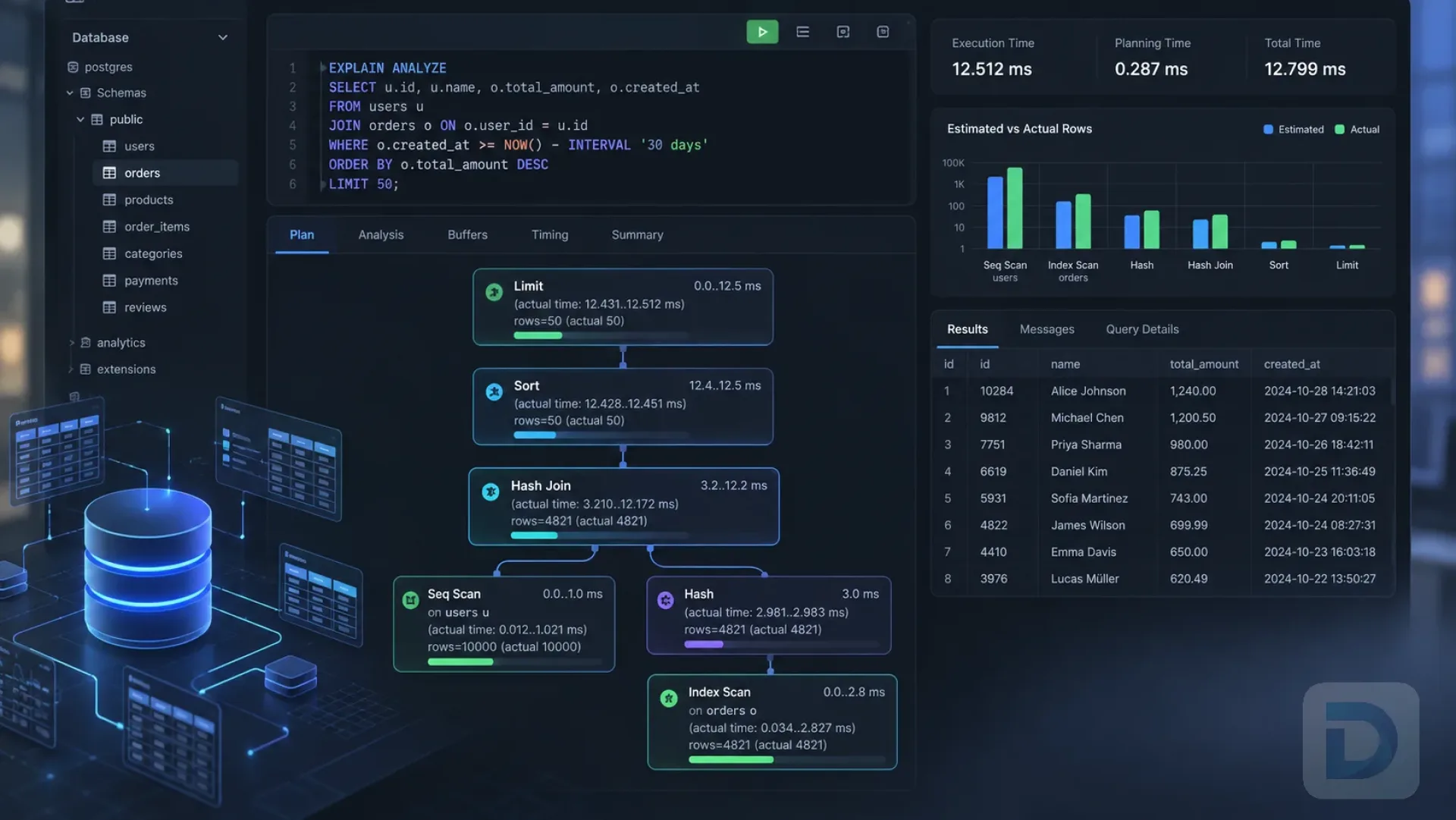
A PostgreSQL query execution plan is a tree. Each node represents work such as a sequential scan, index scan, join, sort, hash, or aggregate. Parent nodes consume rows produced by child nodes.
Cost and estimated rows
Consider:
text (cost=0.42..8.44 rows=1 width=40)
The first number is startup cost: estimated work before the first row. The second is total cost: estimated work to return all rows. These are planner units, not milliseconds. rows=1 is the estimated row count, which can influence scan and join choices.
Actual time and actual rows
Now consider:
text (actual time=0.031..0.032 rows=1 loops=1)
The first actual time value is time to the first row; the second is time until the node finished for that execution. rows=1 is the observed row count per execution.
Node timing includes child work. Do not add parent and child actual time values together, because that double-counts execution time.
Also remember that EXPLAIN ANALYZE adds profiling overhead. Per-node timing requires repeated clock measurements, so an analyzed query can run slower than the same query without instrumentation.
Understanding loops
loops tells you how many times a node executed. This is especially important for nested-loop joins and repeated subplans.
text Index Scan using orders_customer_id_idx on orders (actual time=0.010..0.025 rows=6 loops=5000)
For nodes executed multiple times, PostgreSQL reports actual time and rows as per-execution averages. A single execution can look cheap while thousands of executions make the node significant. Always interpret those values together with loops.
Planning Time and Execution Time
At the bottom of an analyzed plan you normally see:
text Planning Time: 0.350 ms Execution Time: 42.700 ms
Planning Time is the time spent planning the statement. Execution Time is the measured runtime reported by EXPLAIN ANALYZE.
Execution time tells you that a query was slow during the measurement, but not why. You still need to inspect the plan tree.
A practical way to inspect the plan tree
There is no single correct reading order. Start at leaf scans to understand how rows enter the plan, then move upward through joins, sorts, aggregates, and other parent nodes. Also watch for expensive or heavily repeated nodes anywhere in the tree.
A practical checklist:
- Identify how base tables are accessed.
- Compare estimated rows with actual rows.
- Check filters and rows removed when reported.
- Look for large loop counts.
- Inspect joins, sorts, hashes, and aggregates.
- Review buffer activity.
- Relate the evidence to predicates, indexes, statistics, and query shape.
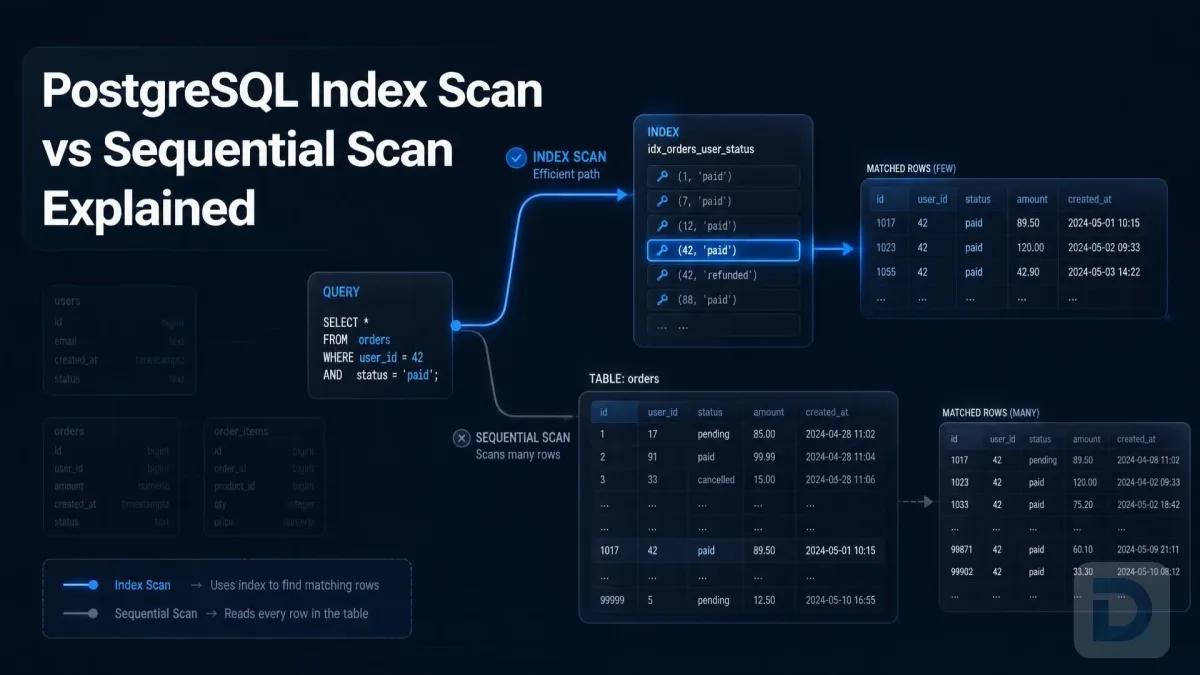
For scan behavior, see PostgreSQL Index Scan vs Sequential Scan.
Estimated vs Actual Rows: Finding Planner Problems

Accurate versus inaccurate PostgreSQL row estimates and their impact on plan choice.
Row-estimation errors are among the strongest signals in EXPLAIN ANALYZE output. PostgreSQL must estimate how many rows each operation will produce before execution, and those estimates strongly influence plan choice.
Consider this illustrative mismatch:
text (cost=0.00..1800.00 rows=100 width=32) (actual time=0.050..45.000 rows=120000 loops=1)
The planner expected 100 rows but received 120,000. That mismatch can propagate upward. A nested-loop join, for example, may execute its inner side far more times than expected when the outer input is much larger than estimated.
Exact matches are unnecessary. Prioritize discrepancies measured in large multiples or orders of magnitude, especially around joins or repeated work. Causes can include stale statistics, skew, correlated columns, and hard-to-estimate predicates.
Running ANALYZE refreshes table statistics:
sql ANALYZE users;
It does not guarantee a different plan, but it gives the planner fresher information. Extended statistics can also help with recurring multi-column estimation problems.
For a broader workflow, see the PostgreSQL query optimization guide.
Using BUFFERS and Other Useful EXPLAIN Options
Buffer statistics help explain how much page activity occurred:
sql EXPLAIN (ANALYZE, BUFFERS) SELECT o.id, o.total FROM orders AS o WHERE o.customer_id = 42 ORDER BY o.created_at DESC LIMIT 50;
You may see:
text Buffers: shared hit=120 read=18
shared hit means PostgreSQL found a block already in shared buffers. shared read means a block was read into shared buffers. A shared read does not necessarily mean physical disk I/O because the operating system may satisfy it from its own cache.
Plans can also report local activity for temporary tables and indexes, and temp reads or writes for working data such as sorts and hashes.
PostgreSQL 18 enables buffer reporting automatically with ANALYZE; earlier versions commonly require BUFFERS explicitly. EXPLAIN (ANALYZE, BUFFERS) remains clear across versions.
Useful options include:
| Option | Purpose |
|---|---|
ANALYZE | Execute the statement and report runtime statistics |
BUFFERS | Report buffer usage |
TIMING | Control per-node timing collection |
VERBOSE | Show additional plan details |
SETTINGS | Show relevant non-default planning settings |
FORMAT | Choose TEXT, JSON, XML, or YAML |
If you need actual rows and buffers but want to reduce per-node timing overhead:
sql EXPLAIN (ANALYZE, BUFFERS, TIMING OFF) SELECT ...;
PostgreSQL still measures total statement runtime when node-level timing is disabled. See the official Using EXPLAIN documentation for additional examples.
Common EXPLAIN ANALYZE Mistakes
Running write queries without realizing they execute
EXPLAIN ANALYZE UPDATE ... still performs the update. BEGIN plus ROLLBACK can prevent ordinary transactional table changes from being committed, but it does not undo consumed sequence values or guarantee that external side effects from functions, triggers, or extensions are reversed.
Treating planner cost as milliseconds
cost=1000 does not mean 1,000 ms. Cost is a planner estimate in internal units. Compare costs to understand plan choices; use runtime statistics to understand actual execution.
Looking only at total execution time
The final execution time tells you a query was slow, not which operation caused it. Look for estimation errors, large row flows, repeated nodes, expensive sorts or joins, and heavy buffer activity.
Ignoring rows, loops, and buffer activity
A node that is cheap once can become expensive when repeated thousands of times. A fast query may also benefit from cached data that will not always be present.
Testing with unrepresentative data
Parameter values, table size, data distribution, statistics, cache state, settings, and concurrent workload can all influence the plan and observed runtime.
Use representative data and parameters whenever possible. If indexing looks suspicious, continue with the PostgreSQL index performance tuning guide or how to find missing indexes in PostgreSQL.
Examples
Suppose you are investigating a filtered and ordered query:
sql EXPLAIN (ANALYZE, BUFFERS) SELECT id, customer_id, created_at, total FROM orders WHERE customer_id = 42 AND created_at >= CURRENT_DATE - INTERVAL '30 days' ORDER BY created_at DESC;
Read the result systematically:
- Identify the scan method.
- Compare estimated and actual rows.
- Check filters and rows removed.
- Inspect
loopson repeated nodes. - Review buffer activity.
- Move upward through joins, sorts, and aggregates.
- Decide whether the evidence points to statistics, indexing, query shape, or workload.
The plan is evidence, not an automatic recommendation. A sequential scan is not inherently bad, nor is an index scan inherently good; judge each by the rows processed and work required.
Key Takeaways
EXPLAINshows estimates;EXPLAIN ANALYZEexecutes the statement and adds observed runtime statistics.- Planner cost is not time.
- Large differences between estimated and actual rows are important planner signals.
- Interpret
rowsandactual timetogether withloops. - Parent-node timing includes child work, so do not add node times together.
- Buffer statistics reveal page activity and cache behavior.
EXPLAIN ANALYZEintroduces profiling overhead.- Write statements execute; rollback does not reverse every possible side effect.
FAQ
EXPLAIN shows the plan PostgreSQL expects to use without executing the statement. EXPLAIN ANALYZE runs it and adds observed information such as actual rows, loops, and timing.
Yes. PostgreSQL executes the statement to collect runtime statistics, so statements that modify data require extra care.
Only when you understand the statement's side effects. For ordinary transactional table changes, you can use BEGIN, run EXPLAIN ANALYZE, and then ROLLBACK so those changes are not committed. Sequence values consumed during execution are not reclaimed, and functions, triggers, or extensions may cause effects outside the database transaction.
actual time reports observed node timing, rows reports rows produced per execution, and loops reports how many times the node ran. With multiple loops, the time and row values are per-execution averages.
Use buffer information when you need to understand page activity and whether blocks are already cached or need to be read into shared buffers. It is particularly useful when scanning or I/O volume appears relevant.
Conclusion
PostgreSQL EXPLAIN ANALYZE becomes easier when you ask: What did the planner expect? What happened? Where did row counts diverge? Which nodes repeated? How much buffer activity occurred?
Inspect table access, compare estimated and actual rows, account for loops, review buffers, and follow rows through joins, sorts, and aggregates. With representative tests and awareness of measurement overhead, execution plans become practical evidence for PostgreSQL performance tuning.
About the author

Founder & Lead Developer at DBO Studio
Full-stack developer and creator of DBO Studio, a modern database management tool. Passionate about PostgreSQL, MySQL, SQLite, database performance, developer productivity, and building tools that simplify database workflows.
Try this in DBO Studio
Explore PostgreSQL workflows visually in DBO Studio — schemas, queries, and plans in one place.
Our newsletter
Subscribe to DBO Studio’s newsletter for exclusive tutorials, tips & product updatesRelated posts