TL;DR
** A database index is a separate, specialized data structure that improves the speed of data retrieval operations. While it dramatically accelerates read performance, it comes with a trade-off: it consumes additional disk space and slightly slows down write operations.
If you are building applications backed by relational databases, understanding what is a database index is fundamental to scaling your system. As your tables grow from a few thousand rows to millions, queries that once executed in milliseconds can suddenly take seconds. This slowdown typically happens because the database engine is forced to perform a full table scan—reading every single row to find the data that matches your query condition.
Database indexing explained simply: an index acts as a lookup table. Instead of scanning the entire dataset, the database uses the index to quickly pinpoint the physical location of the requested rows, resulting in significantly faster data retrieval speed.
How Does a Database Index Work?
To understand how database indexes work, it helps to start with a familiar real-world analogy before diving into the underlying computer science.
The Textbook Analogy
Imagine a 1,500-page textbook on database administration. If you want to find every mention of "ACID properties," you could read through every page (a full table scan). Alternatively, you could flip to the index at the back of the book, find "ACID properties," and see that it points to pages 42, 115, and 890.
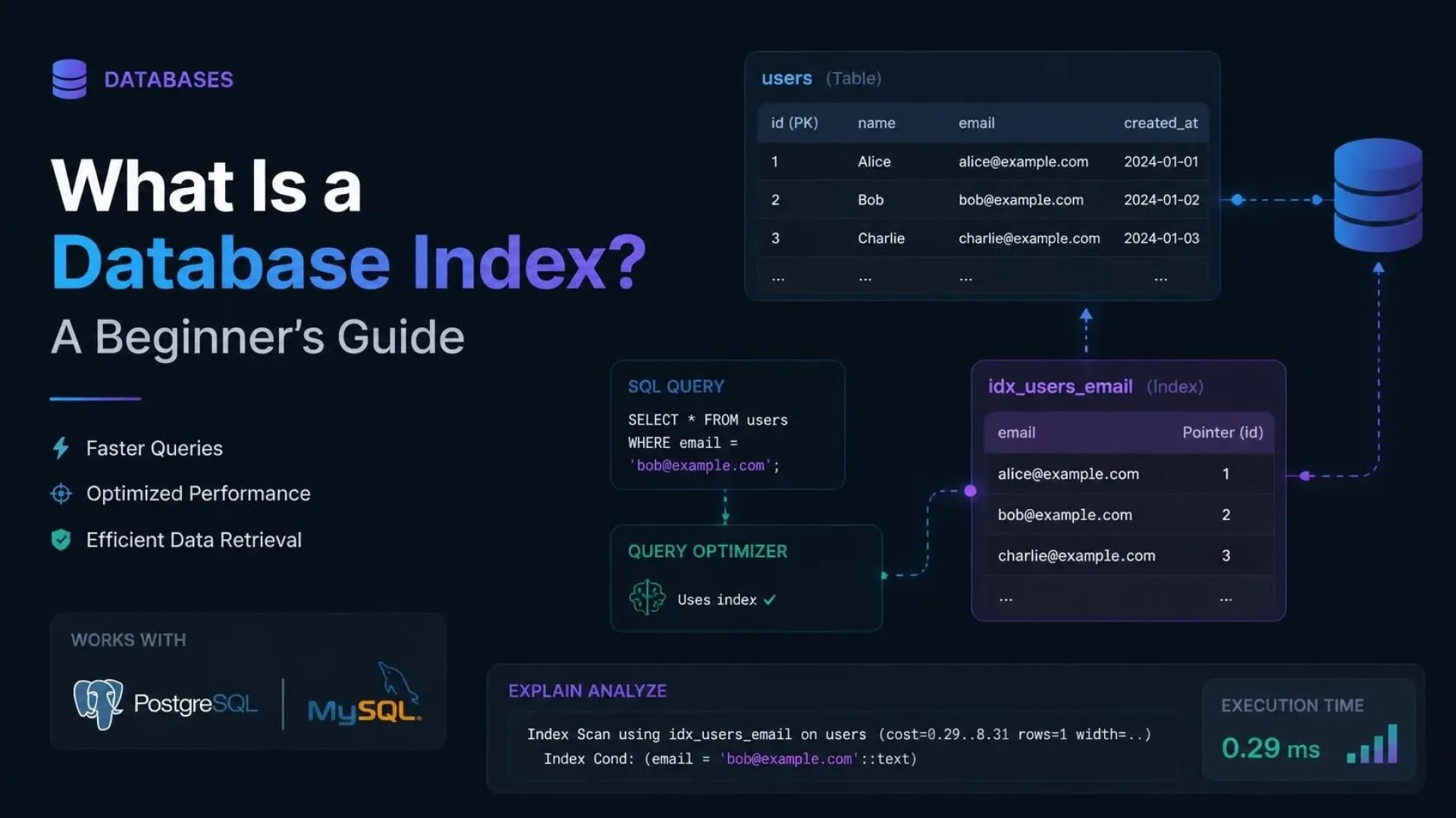
A database index operates on the exact same principle. It is a sorted list of values from a specific column, paired with pointers to the actual rows where those values reside.
Under the Hood: B-Tree Structure

Most relational databases—such as PostgreSQL, MySQL, and SQL Server—default to using a B-Tree (Balanced Tree) index structure. A B-Tree keeps data sorted and allows searches, sequential access, insertions, and deletions in logarithmic time.
In a B-Tree structure:
- The Root Node is the starting point.
- Branch Nodes contain ranges of values and pointers to lower nodes.
- Leaf Nodes contain the actual indexed values and pointers to the table's physical data rows.
When you run a query filtering by an indexed column, the database engine traverses down the tree, making binary-style decisions at each branch. This means that finding a row in a table of 10 million rows might only require the database to read 3 or 4 pages, rather than thousands.
Types of Database Indexes
Not all indexes are built the same. Depending on your database engine and specific use case, you will encounter several types of database indexes.
Clustered vs. Non-Clustered Indexes
The distinction between clustered and non-clustered indexes is a core concept in database performance tuning.
| Feature | Clustered Index | Non-Clustered Index |
|---|---|---|
| Data Storage | Determines the physical order of data in the table. | Creates a separate structure from the data. |
| Limit per Table | Typically one (e.g., a primary key). | Multiple allowed. |
| Speed | Faster for large range queries. | Slightly slower than clustered, but still very fast. |
In SQL Server, the default clustered index is usually built on the primary key. PostgreSQL does not use clustered indexes in the same way, but offers the CLUSTER command to physically reorder a table based on an index. MySQL's InnoDB engine uses a clustered index where the primary key is part of the leaf node data.
Composite Indexes
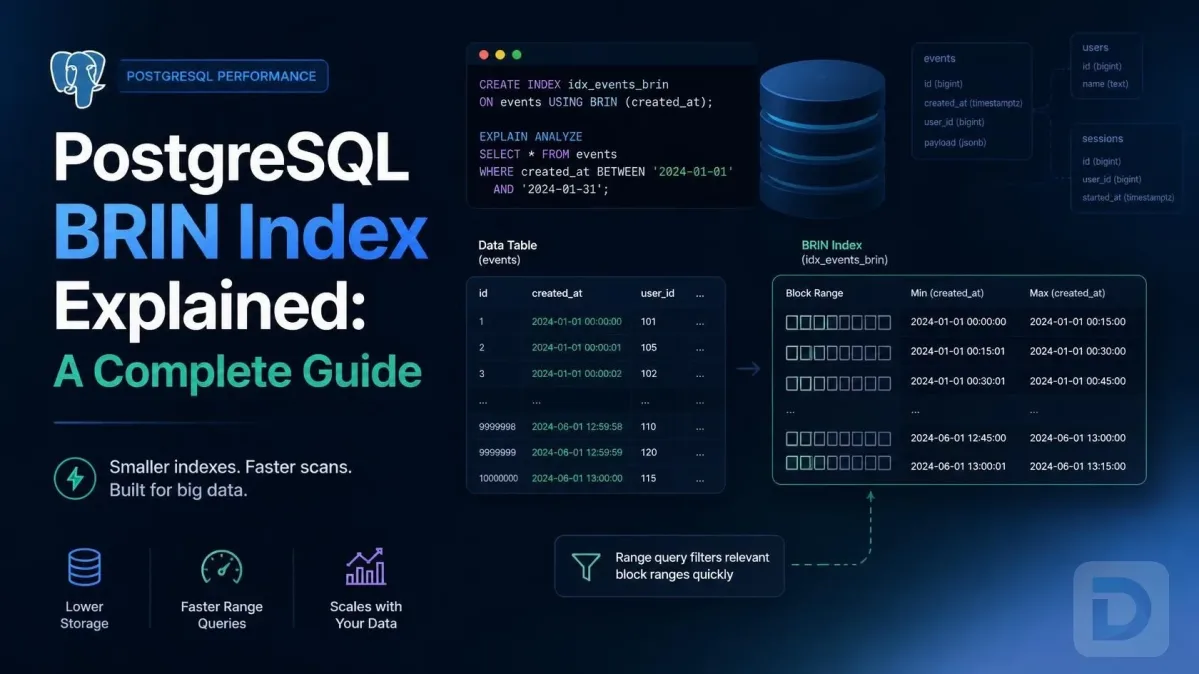
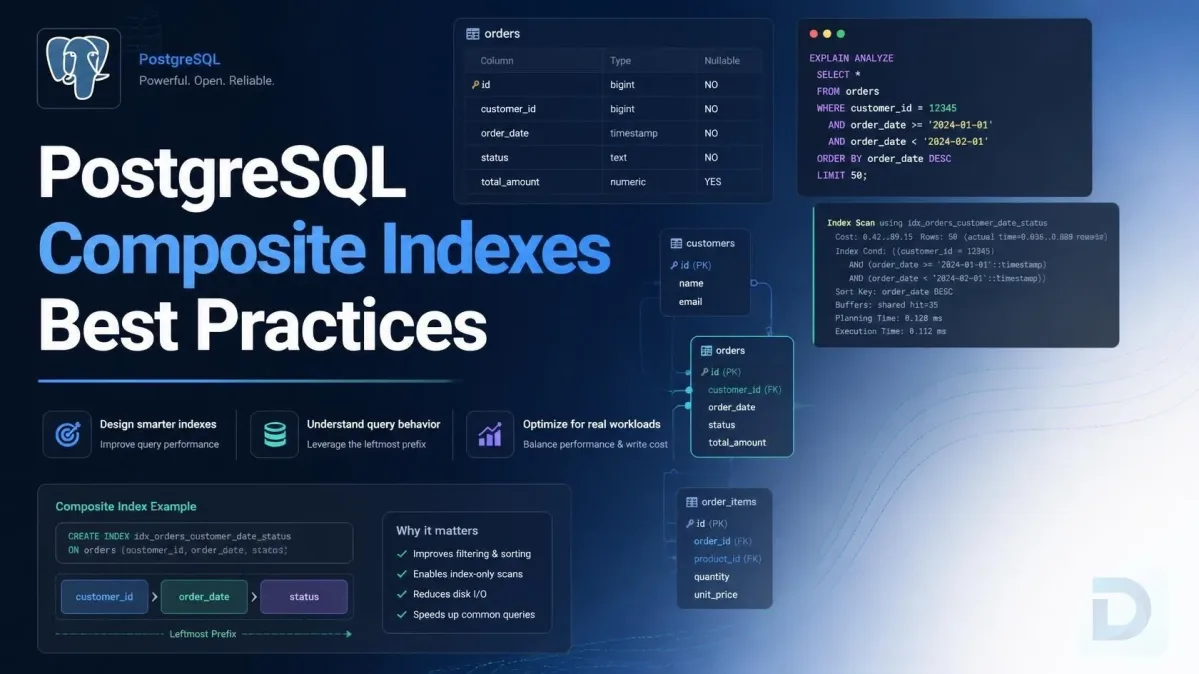
A composite index is an index on two or more columns of a table. They are highly effective for queries that filter or sort on multiple columns simultaneously.
For example, if you frequently query users by both last_name and first_name, a composite index on (last_name, first_name) will outperform two separate single-column indexes. The order of columns in a composite index matters; it follows the left-to-right rule, meaning the index can be used if the query filters by the first column, the first two columns, and so on.
Specialized Indexes: Hash, GIN, and GiST
Beyond standard B-Trees, databases offer specialized indexes for specific data types:
- Hash Indexes: Optimized for simple equality checks (
=). They cannot be used for range queries (>,<). - GIN (Generalized Inverted Index): A PostgreSQL index type highly optimized for indexing composite values like arrays or JSONB documents.
- GiST (Generalized Search Tree): Another PostgreSQL index type used for geometric data and full-text search.
The Trade-Offs of Indexing
Knowing when to use database indexes requires understanding that they are not free. Every index you add is a trade-off between read performance and write performance.
Read Performance Gains
The primary benefit is query optimization. Indexes drastically reduce the I/O cost of read operations. Whether you are performing a point lookup (finding a specific user by ID) or a range query (fetching orders from last week), indexes allow the database to avoid discarding irrelevant rows from memory.
Write Performance Overhead
Every time you INSERT, UPDATE, or DELETE a row in a table, the database must update all associated indexes. For an INSERT, the database must write the new row and insert a new entry into every index. For an UPDATE on an indexed column, the database must delete the old index entry and insert a new one. On write-heavy tables (like high-throughput logging tables), excessive indexing creates severe write performance overhead.
Storage Costs
Indexes are stored on disk. A B-Tree index essentially duplicates the indexed column's data alongside structural pointers. If you have a table with 10 columns and you index 5 of them individually, your storage footprint for that table can easily double.
When to Create an Index
Effective database administration relies on strategic indexing rather than indexing every column.
Identifying Slow Queries
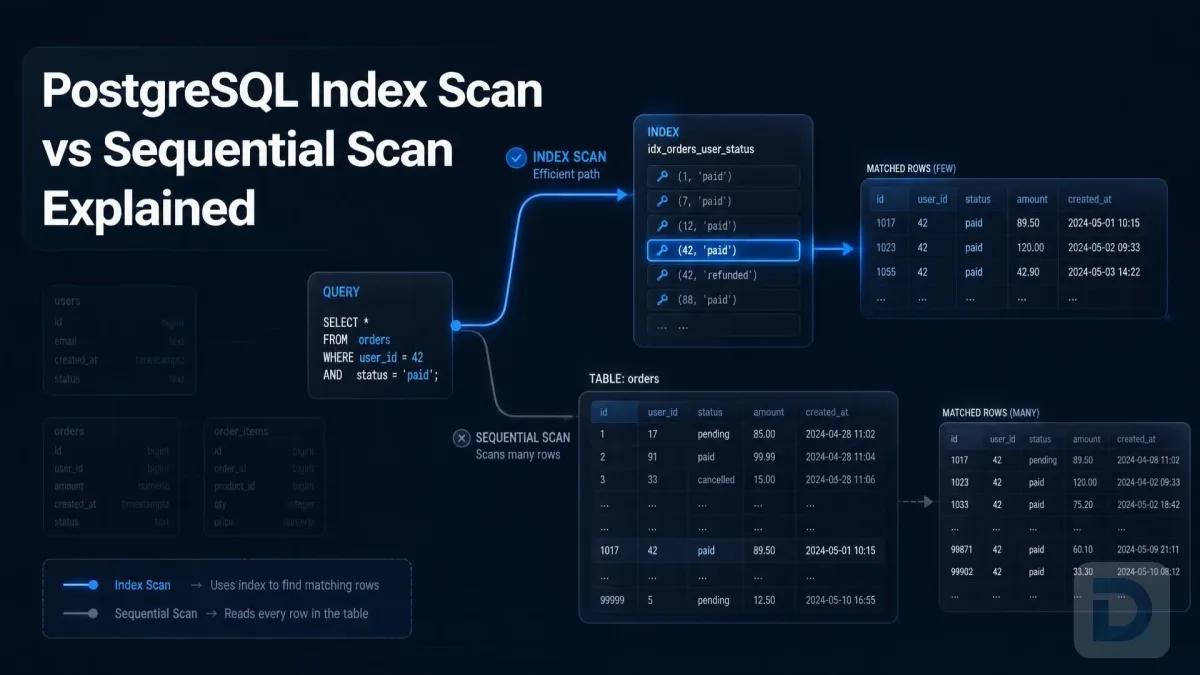
The best way to decide if you need an index is to look at your execution plan. If you run an EXPLAIN or EXPLAIN ANALYZE command on a slow query and see a "Seq Scan" (Sequential Scan) on a large table, that is a prime candidate for an index.
Choosing the Right Columns
As a general rule for SQL index creation, consider indexing:
- Primary Keys: Almost always indexed automatically.
- Foreign Keys: Highly recommended to speed up
JOINoperations. - Columns with high index cardinality: Cardinality refers to the number of unique values. Indexing a boolean column (low cardinality) is rarely useful, but indexing an email or UUID column (high cardinality) is highly effective.
- Columns used in
WHERE,JOIN, orORDER BYclauses: If a column is consistently used to filter or sort data, it belongs in an index. - Covering Indexes: If all the columns requested in a query are present in the index itself, the database doesn't need to read the actual table at all (an "Index Only Scan" in PostgreSQL). This is the holy grail of read performance.
Here is the standard SQL syntax for creating a basic index:
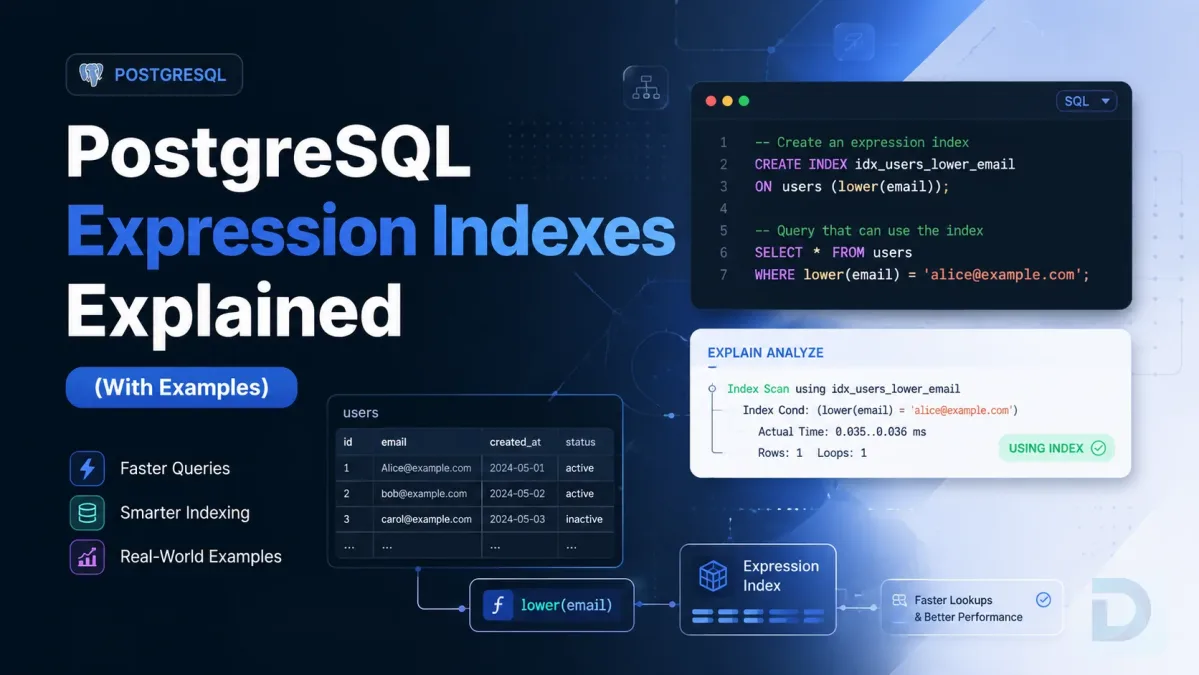
CREATE INDEX idx_user_email ON users (email);
Refer to the official documentation for your specific engine, such as PostgreSQL indexes, MySQL optimization, SQL Server indexes, or SQLite syntax.
How to Manage Indexes Using DBO Studio
Managing indexes across multiple database engines can be tedious when switching between different CLI tools. DBO Studio simplifies this process by providing a modern, unified GUI for PostgreSQL, MySQL, SQLite, SQL Server, and more.
With DBO Studio, you can visually inspect existing indexes, analyze execution plans, and create or drop indexes without writing raw SQL. To take advantage of these database management features, you can download DBO Studio for free, or check out the latest features and bug fixes on our releases page.
FAQ
Yes. Every time a row is inserted or an indexed column is updated, the database must also update the index structure. On tables with heavy write loads, adding too many indexes will degrade write performance.
A clustered index sorts and stores the actual data rows of the table physically in order. A non-clustered index creates a completely separate structure that holds the indexed column values and pointers to the physical rows.
Absolutely. While multiple indexes might speed up various read queries, they will compound the write performance overhead and significantly increase storage requirements. It is best to index strategically based on actual query patterns.
You can prefix your query with EXPLAIN (or EXPLAIN ANALYZE in PostgreSQL/MySQL) to view the execution plan. If the plan shows an "Index Scan" or "Index Only Scan," the index is being used. If it shows a "Seq Scan" or "Table Scan," it is not.
A composite index is an index that includes two or more columns. You should use one when your queries frequently filter or sort by multiple columns together, such as looking up a customer by both last_name and active_status.
Key Takeaways
- A database index is a separate data structure that acts as a roadmap to your table's data, vastly improving read speeds.
- B-Trees are the most common underlying structure, allowing for logarithmic search times.
- Indexes come with a cost: they consume disk space and slow down
INSERT,UPDATE, andDELETEoperations. - Focus your indexing strategy on high-cardinality columns and those frequently used in
WHERE,JOIN, andORDER BYclauses. - Always use
EXPLAINto verify that your queries are actually utilizing the indexes you create.
Conclusion
Understanding what a database index is and how it functions is a non-negotiable skill for backend developers and DBAs. While the concept is straightforward—trading write speed and storage for read speed—implementing an effective indexing strategy requires careful analysis of your query patterns. By leveraging the right types of indexes and monitoring your execution plans, you can ensure your database remains fast and responsive as your application scales.
About the author

Founder & Lead Developer at DBO Studio
Full-stack developer and creator of DBO Studio, a modern database management tool. Passionate about PostgreSQL, MySQL, SQLite, database performance, developer productivity, and building tools that simplify database workflows.
Try this in DBO Studio
Explore Database Administration workflows visually in DBO Studio — schemas, queries, and plans in one place.
Our newsletter
Subscribe to DBO Studio’s newsletter for exclusive tutorials, tips & product updatesRelated posts